Quick summary
- A practical guide to protecting developer workstations with Wiz Sensor, covering visibility, access context, rollout controls, and meaningful success metrics.
- Developer workstations hold source code, tokens, cloud credentials, and CI/CD access. A compromised endpoint can give an attacker a direct route into engineering and cloud environments.
- Run a pilot with a representative developer cohort, baseline performance and access, and expand only after alert-response and credential-revocation playbooks have been tested.
What happened
A developer workstation is one of the most privileged assets in an engineering organization. The same computer may reach source control, package registries, ticketing systems, CI/CD, cloud consoles, and secret managers. Protecting it is therefore more than an endpoint-agent deployment. The real task is to connect workstation activity with identity, workload, and cloud-risk context.
What is Wiz Sensor for developer workstations?
In this protection model, the sensor contributes runtime signals from the developer workstation and places them in a broader security context. Teams can relate endpoint behavior to the active identity, the cloud resources that identity can reach, existing weaknesses, and possible attack paths. The benefit is not a larger alert count; it is better prioritization of activity that can produce material impact.
A Wiz developer workstation deployment should remain one layer in a defense-in-depth architecture. It does not replace device management, EDR, identity controls, or secret hygiene. The sensor is most useful when these layers share context and operating teams have clear ownership for each class of detection.
Risks worth prioritizing
- Long-lived credentials: cloud tokens, SSH keys, and package-registry credentials can be stolen from configuration files, environment variables, or running processes.
- Excessive access: broad developer permissions can turn one compromised endpoint into a route across subscriptions, projects, or clusters.
- Inconsistent toolchains: IDE extensions, package managers, container runtimes, and command-line tools create a broad and frequently changing attack surface.
- Missing context: an isolated endpoint alert rarely shows whether the activity has a viable path to sensitive workloads or data.
A protection architecture for developer workstations
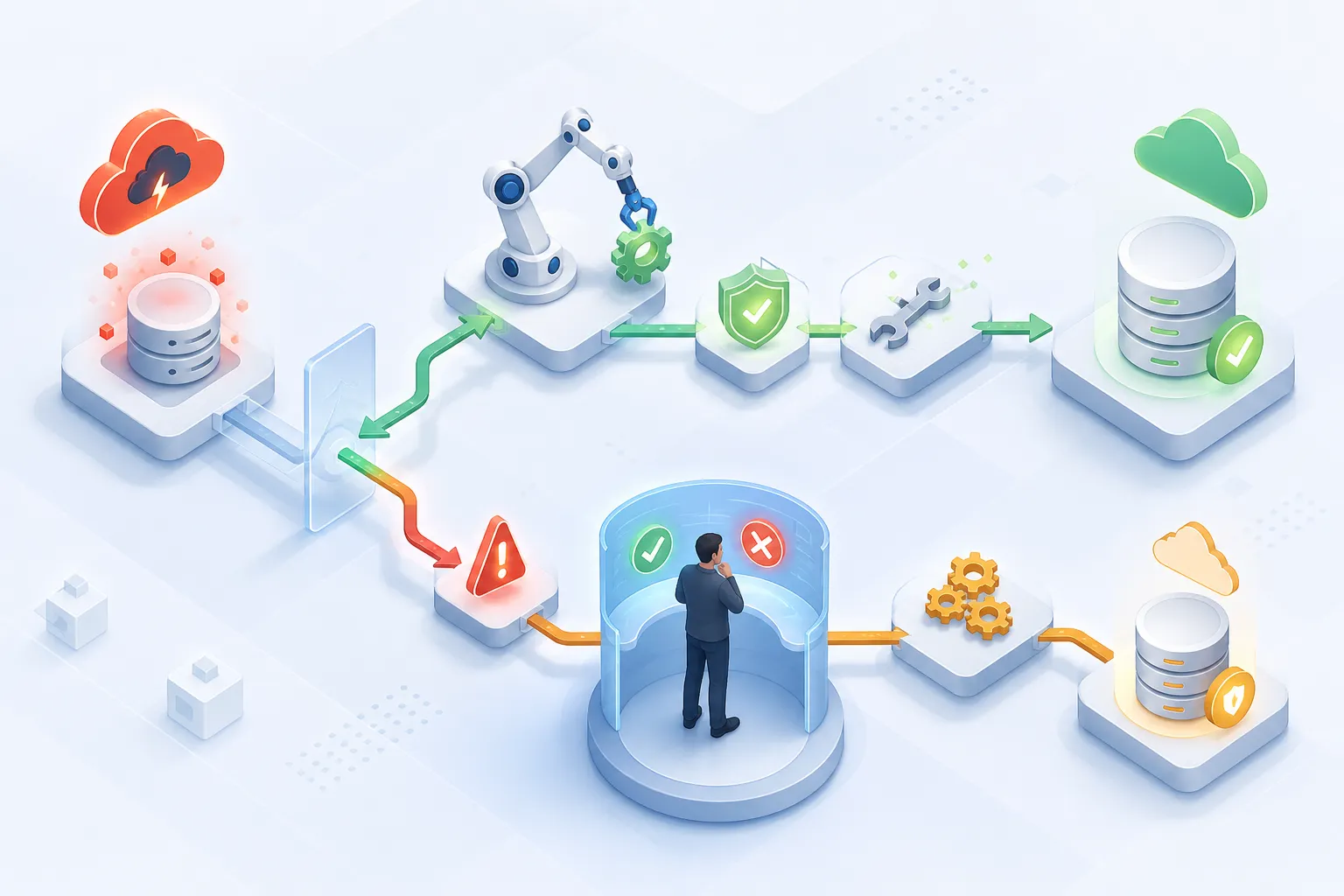
An effective design begins with reliable inventory. Every workstation should map to an owner, operating system, engineering group, privilege tier, and permitted environments. Security teams can then establish a baseline for normal development processes, including compilers, shells, containers, IDEs, infrastructure-as-code tools, and authentication flows.
Sensor telemetry should be combined with three kinds of context. Identity context explains who is active, how the session was authenticated, and what permissions it currently has. Cloud context identifies reachable resources and their business sensitivity. Exposure context highlights vulnerabilities, misconfigurations, or secrets that make exploitation more likely.
How to roll out Wiz Sensor safely
- Define a pilot population. Start with a small cohort representing macOS, Windows, or Linux, different toolchains, and different privilege levels.
- Set success criteria. Track coverage, stability, resource use, actionable detections, and investigation time.
- Test compatibility. Verify that builds, tests, containers, and local development remain reliable. Record time-bound exceptions instead of permanently disabling controls.
- Design for privacy. Document collected data, retention, access rights, and how telemetry may be used during an investigation.
- Connect response workflows. Every high-priority alert needs an owner, SLA, isolation playbook, and credential-revocation path.
- Expand in waves. Roll out by engineering group, retain a control cohort, and pause when performance impact or false positives cross agreed thresholds.
Measure outcomes, not only installed agents
Installation rate measures coverage, not protection. Better indicators include time from detection to triage, the percentage of alerts enriched with identity and cloud context, risky credentials revoked, workstation baseline compliance, and overdue exceptions. Teams should also measure build-time impact, CPU and memory consumption, and developer feedback.
The ultimate objective is a smaller blast radius. A compromised developer workstation should not automatically provide a path to production. Sensors improve detection and prioritization, while least privilege, short-lived credentials, environment separation, and strong authentication determine the damage an attacker can cause.
Operational checklist
- Inventory developer workstations and assign accountable owners.
- Remove long-lived credentials in favor of federation and short-lived tokens.
- Prioritize alerts by their reachability to critical cloud assets.
- Test endpoint-isolation and session-revocation playbooks.
- Review exceptions, performance, and developer feedback on a fixed cadence.
Protecting developer workstations is a continuous program, not a one-time installation. When endpoint telemetry, access rights, and cloud context are connected, security teams can respond faster without destabilizing the development experience.
Why developers should care
Developer workstations hold source code, tokens, cloud credentials, and CI/CD access. A compromised endpoint can give an attacker a direct route into engineering and cloud environments.
Recommended action
- 1Run a pilot with a representative developer cohort, baseline performance and access, and expand only after alert-response and credential-revocation playbooks have been tested.