Quick summary
- Vibe coding helps non-technical people turn ideas into working products quickly, but that speed can hide fundamental mistakes in product scope, security, testing, data handling, and operations.
- A demo that works is not yet a product people can trust. Recognizing these five mistakes helps non-technical builders use AI without sacrificing user data, reliability, or the ability to improve the product later.
- Before your next deployment, choose the product's most important user flow and review five things: its goal, the scope of the change, data and access controls, failure scenarios, and the monitoring and recovery plan.
What happened
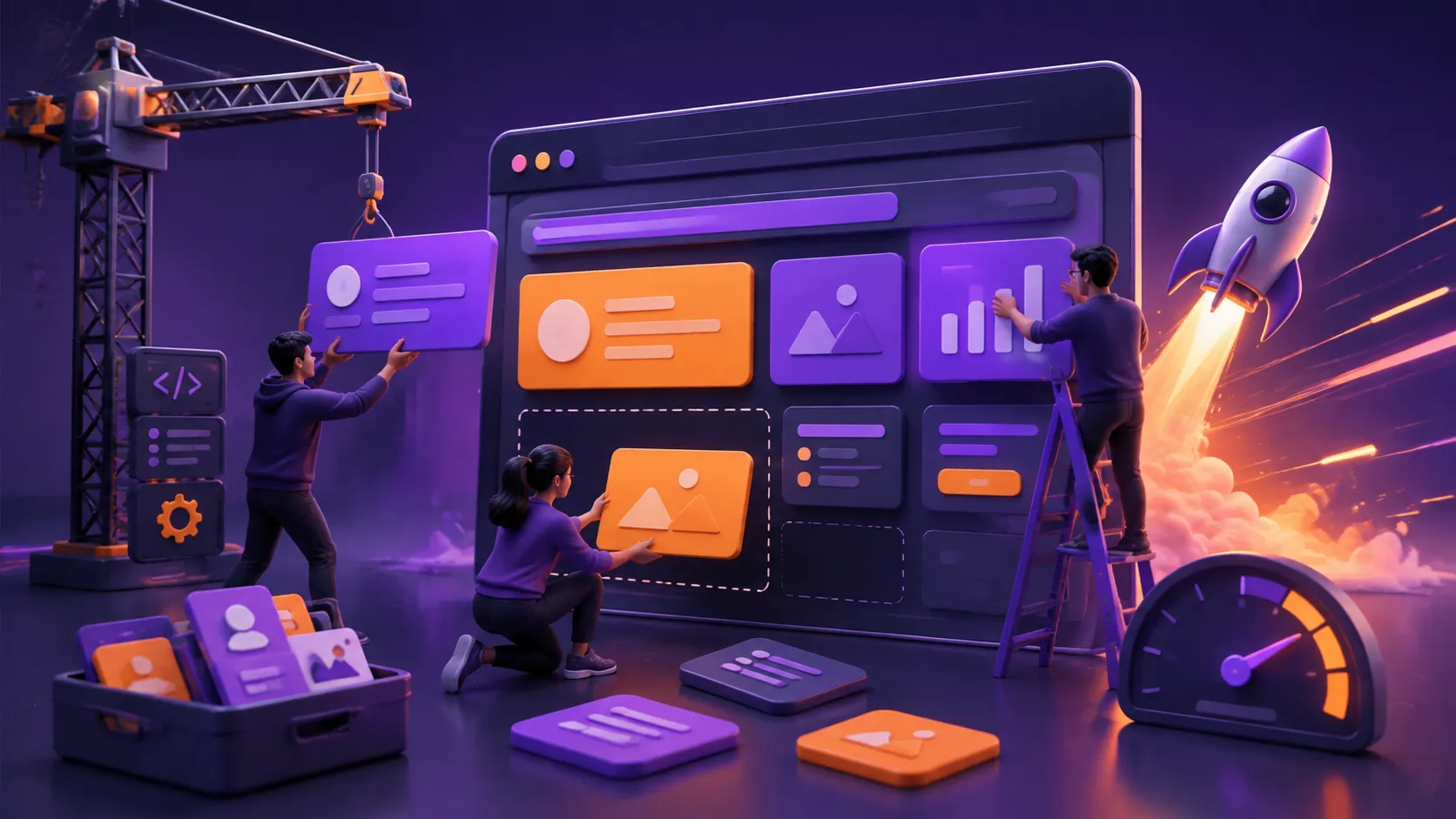
Vibe coding—describing what you want in natural language and letting AI help produce the code—has dramatically lowered the barrier to building software. Without formal programming training, someone can now create a landing page, an internal tool, or a functional prototype in hours.
The danger is that “it works” can feel like proof that everything underneath is sound. AI can generate code quickly, but it does not own the product goal, protect your users, or respond when production fails. These are five of the most common mistakes and practical ways to avoid them.
1. Starting with features instead of the problem
Beginners often ask AI to immediately build authentication, a dashboard, a chatbot, or payments. The result may look impressive while solving the wrong problem—or no meaningful problem at all.
A better approach: write one sentence that identifies the user, their problem, and the single most important action they need to complete. Build that core path first. Every additional feature should earn its place by supporting that outcome.
2. Giving AI one giant request and accepting the entire result
A prompt such as “build the complete app” forces the model to invent dozens of assumptions. Code becomes tangled, the interface loses consistency, and a small later change can break seemingly unrelated parts.
A better approach: work in small slices: the data model, one screen, one action, and one error state at a time. Run the product after each step and save a stable version. Ask AI to briefly explain what changed and which files were affected.
3. Using real data while ignoring security
Pasting API keys into prompts, exposing secrets in browser code, or testing with customer data creates serious risk. An app that appears safe on your laptop may expose privileged access as soon as it is deployed publicly.
A better approach: use synthetic data while prototyping, keep secrets in environment variables, grant the smallest necessary permissions, and never commit credentials. Before launch, verify authentication, role-based access, sensitive-data handling, and request limits.
4. Testing only the happy path
Creators usually test one scenario: enter valid information and click the button. Real users leave fields empty, upload oversized files, double-click, lose connectivity midway, and use small screens or keyboards instead of a mouse.
A better approach: cover at least empty, loading, success, failure, and unauthorized states. Test on a phone, with keyboard navigation, and on a slow connection. Critical actions such as payments and deletion need confirmation and protection against duplicate execution.
5. Treating deployment as the finish line
Software requires observation and maintenance. Without logs, backups, monitoring, and a recovery plan, you may learn about a failure only after users complain—or after important data is already gone.
A better approach: add error tracking, a basic availability check, data backups, and a rollback procedure. Document how the product is deployed, which services it depends on, and what they cost so operations do not live in one person's memory.
A simple rule for safer vibe coding
Treat AI as an extremely fast implementation partner, not the person ultimately accountable for the product. After every change, ask three questions: what problem does this solve, what could it break, and how would I detect that failure?
Vibe coding is most valuable when speed is paired with discipline. Start small, test frequently, and involve real users only when you understand how the product handles data, errors, and access.
Why developers should care
A demo that works is not yet a product people can trust. Recognizing these five mistakes helps non-technical builders use AI without sacrificing user data, reliability, or the ability to improve the product later.
Recommended action
- 1Before your next deployment, choose the product's most important user flow and review five things: its goal, the scope of the change, data and access controls, failure scenarios, and the monitoring and recovery plan.