Quick summary
- Databricks highlights AI_Functions use cases in the data warehouse, while AWS presents a no-code workflow for prediction and BI. Both bring AI closer to governed data, but warehouse AI tasks and predictive-model lifecycles should not be conflated.
- Keeping AI near the warehouse can reduce integration friction, but calling an AI function is not the same as building a complete ML system.
- Classify your current use case as a warehouse task, labeled prediction, or analytics problem, then choose one measurable pilot.
What happened
Low-code ML is not limited to drag-and-drop interfaces. Databricks is positioning AI_Functions through data-warehouse use cases, while AWS presents Canvas, Data Wrangler, and Quick Sight as a visual workflow for prediction and BI.
Both approaches bring AI closer to the place where data is already managed. They address different layers of work, however, and a useful architecture begins by separating those layers.
Two starting points, different jobs
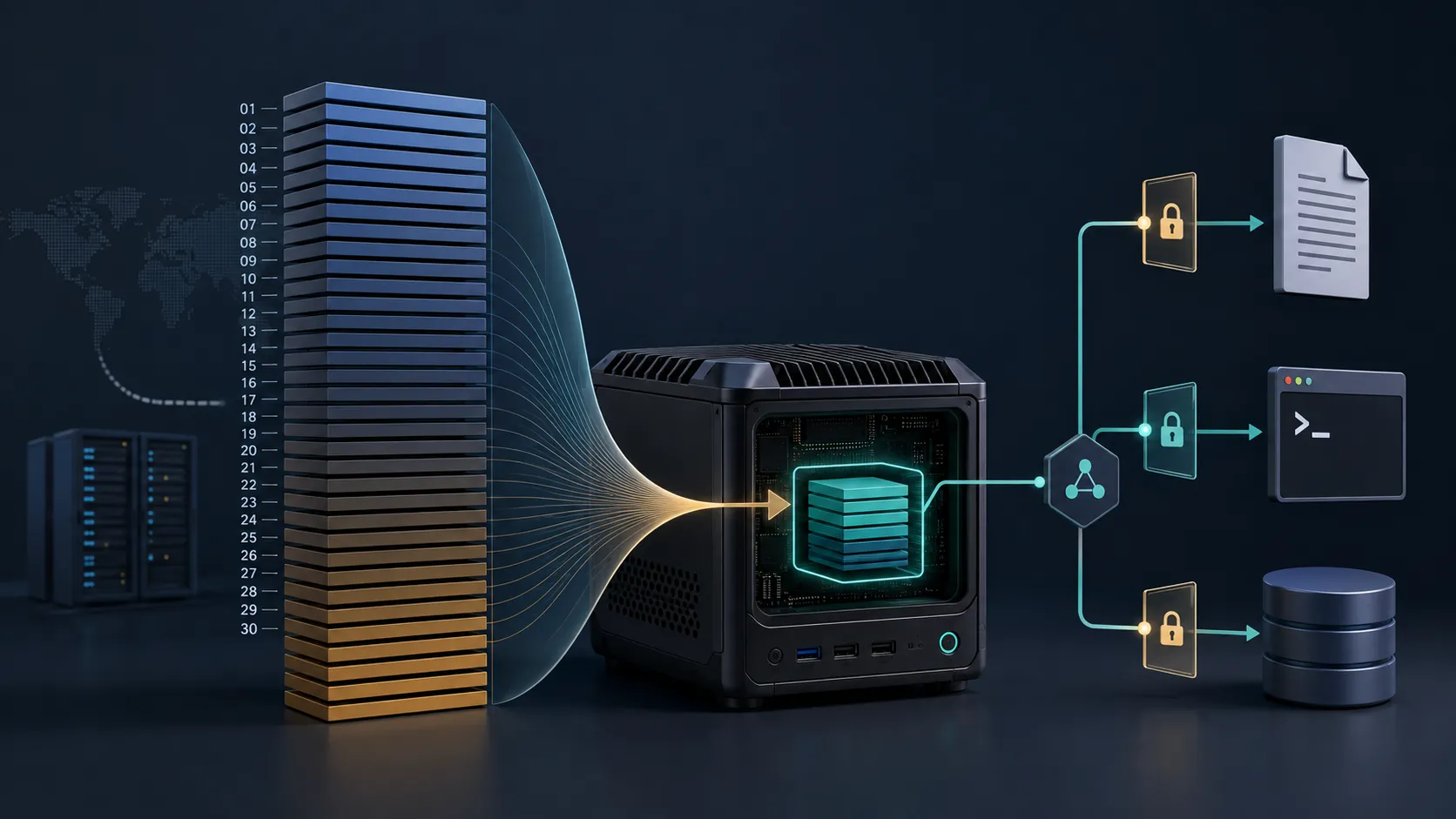
AI functions in a warehouse suggest embedding AI tasks directly in data and analytics flows. That can be useful when work begins with tables and belongs within warehouse operations.
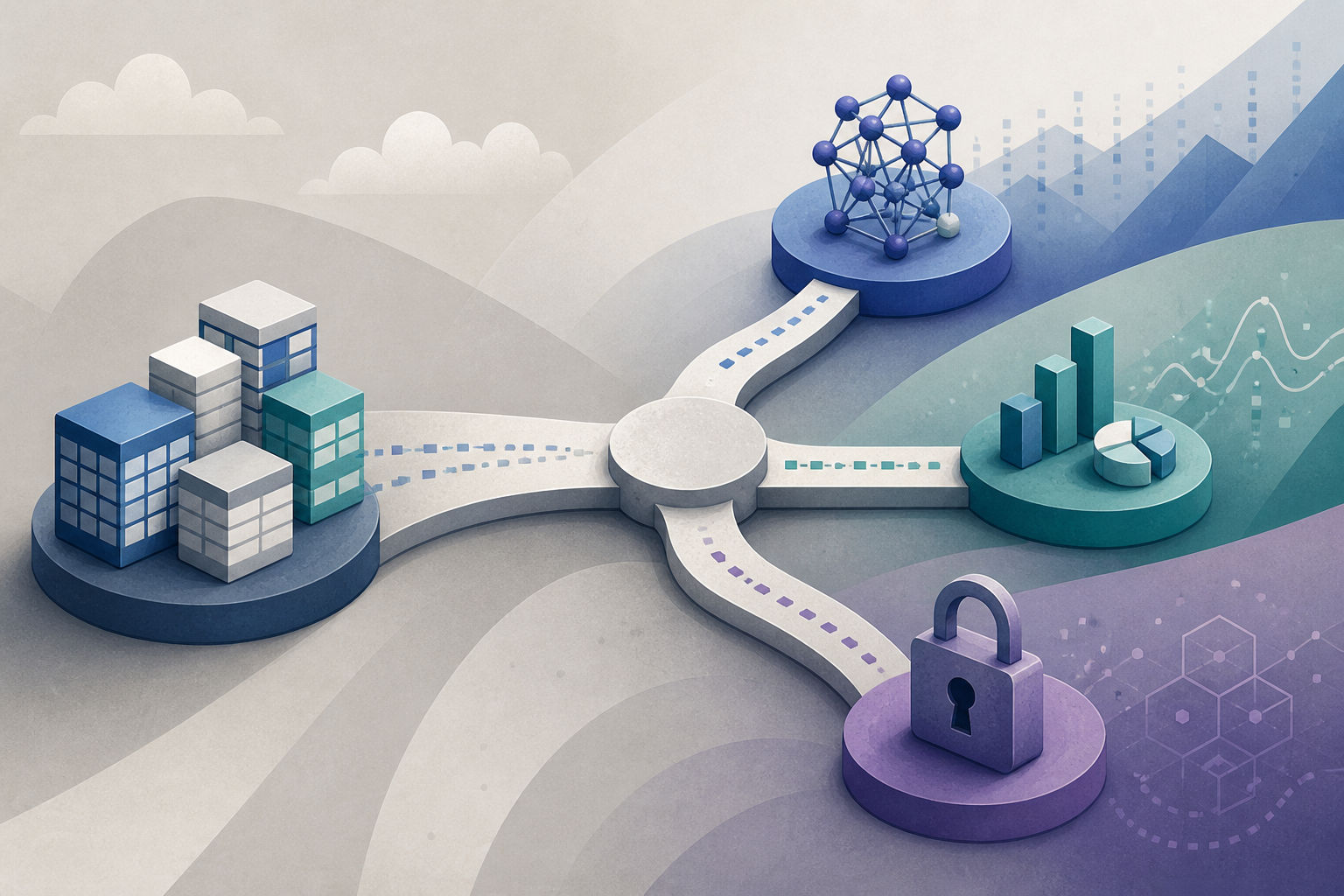
The AWS workflow is more explicitly a prediction pipeline: connect Snowflake, prepare and join data in Data Wrangler, train XGBoost in Canvas, and bring predictions into Quick Sight. That path fits use cases with labels and a predictive outcome.
Do not call every AI task machine learning
An AI function can be useful data-work infrastructure, but it does not automatically supply labels, evaluation, monitoring, or an action process after a prediction. Likewise, a Canvas model does not become an operational system merely because its output appears in a dashboard.
Classify the need first: enrich or transform warehouse data, predict a defined outcome, or help users question data? Each requires different evaluation criteria and ownership.
How to select a first experiment
| Need | Reasonable starting point |
|---|---|
| AI task close to warehouse data | Assess AI Functions in the data flow |
| Prediction with historical labels | Trial the Canvas and Snowflake workflow |
| Stakeholder exploration of results | Use dashboards and natural-language BI |
This is a decision frame, not a feature comparison. Keep the pilot narrow, choose a verifiable outcome, and define operating cost before expansion.
Even a minimal architecture needs an exit path
Whether the starting point is a warehouse or a no-code interface, retain inputs, outputs, configuration, and ownership. Also define when to move to code or a dedicated pipeline if testing, integration, latency, or control requirements exceed the low-code layer.
In 5 Minutes
- Databricks highlights warehouse AI_Functions; AWS highlights a visual prediction and BI workflow.
- AI in SQL and predictive systems have different lifecycles.
- Select a starting point by job type, not by the “AI” label.
- Keep artifacts and plan a move to more code when requirements demand it.
Sources
- Build a no-code ML workflow with Snowflake, Amazon SageMaker Canvas and Amazon Quick – Part 1: Setting up your Snowflake environment
- Build a no-code ML workflow with Snowflake, Amazon SageMaker Canvas and Amazon Quick – Part 2: Data preparation and model building with Amazon SageMaker Canvas
- Build a no-code ML workflow with Snowflake, Amazon SageMaker Canvas and Amazon Quick – Part 3: Visualizing insights with Amazon Quick Sight
- How Databricks Feature Store serves features with sub-second freshness
- Using AI_Functions in Your Data Warehouse: Top Use Cases
Why developers should care
Keeping AI near the warehouse can reduce integration friction, but calling an AI function is not the same as building a complete ML system.
Recommended action
- 1Classify your current use case as a warehouse task, labeled prediction, or analytics problem, then choose one measurable pilot.