Quick summary
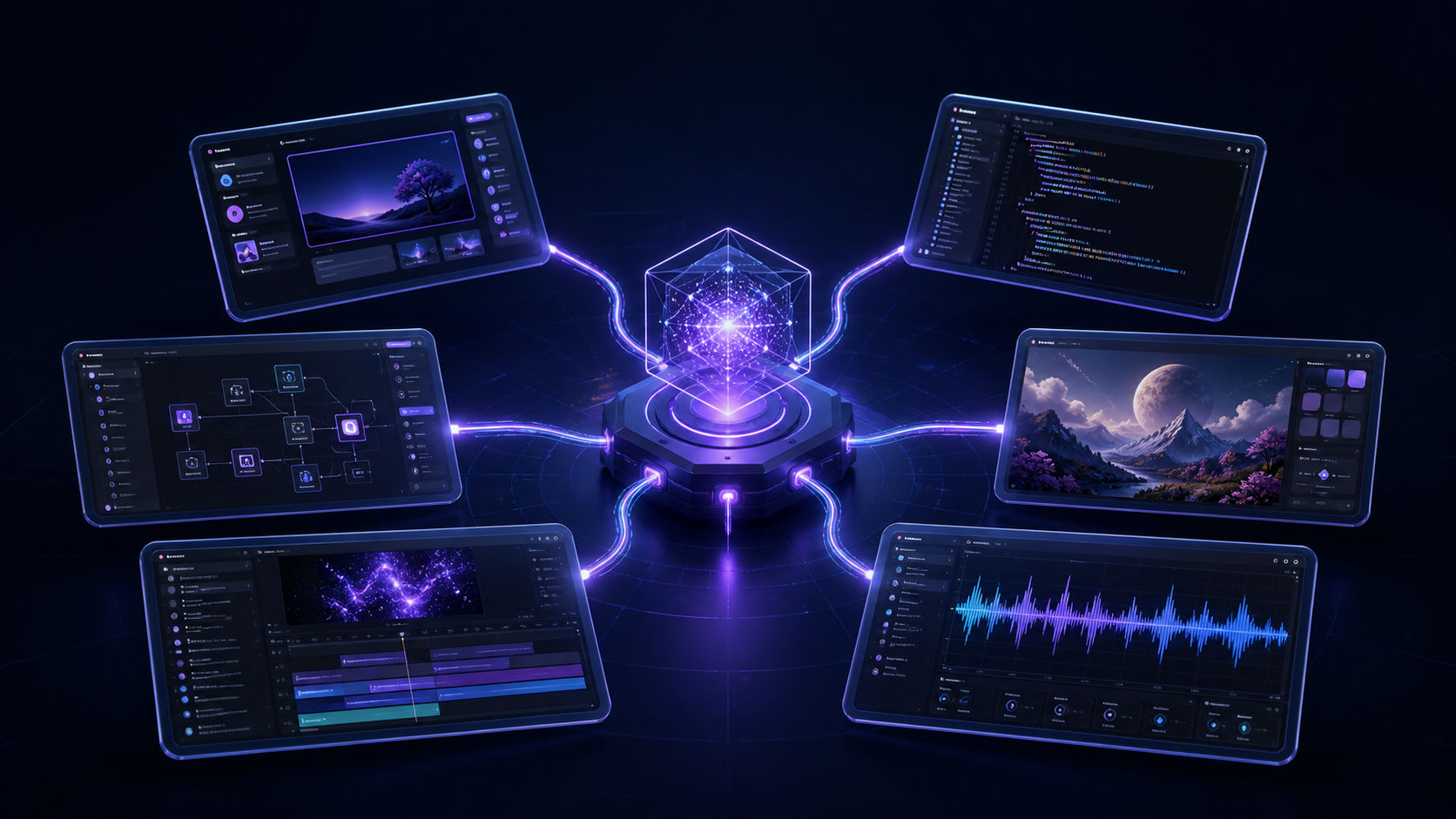
- Nova MCP brings six Nova ADK design, development, and media tools into Cursor, Claude Desktop, and other compatible MCP clients so developers can move from an idea to a prototype without constantly switching apps.
- The value of AI is moving from answering questions to completing work. Nova MCP makes that shift tangible by letting an AI client directly call tools for interfaces, apps, backends, images, video, and speech.
- Install Nova MCP in a test environment, choose one small feature with clear acceptance criteria, and review all generated code, dependencies, security implications, and licenses before production use.
What happened
AI can help developers write code faster, yet turning an idea into a product still means jumping between too many tools. The interface lives in one app, the backend in another, while images, video, and narration require separate services.
Nova MCP is designed to close that gap. Connect it to Cursor, Claude Desktop, Cline, Continue, or another compatible MCP client, and your AI can call the right production tool directly instead of merely explaining what to do.
What is Nova MCP?
Nova MCP is an MCP server that exposes Nova ADK's design, code-generation, and multimodal capabilities inside an AI client. Model Context Protocol acts as the standard connection layer: the AI can discover available tools, understand their inputs, and choose when to use them.
The AI receives the brief. Nova MCP supplies the tools that turn it into usable output.
The package is currently listed as beta and requires Python 3.10 or newer plus a Nova API key. Because it generates code and media, every result should still be reviewed before production use.
Six tools through one connection
nova_design: from brief to interface
nova_design produces complete HTML landing pages, dashboards, and UI mockups. It is a useful starting point when you need to test a product direction or make an idea concrete for your team.
nova_tool: interactive prototypes
nova_tool creates interactive JavaScript applications, including flows that can persist data with localStorage. You can evaluate actual product behavior instead of stopping at a static mockup.
nova_backend: a server-side foundation
nova_backend can generate FastAPI or Next.js backend code covering routes, schemas, authentication, and a Dockerfile. Treat the output as a starting foundation, then review its architecture, security, and tests.
nova_image, nova_video, and nova_tts
The other three tools extend the workflow into media: nova_image generates logos and illustrations, nova_video creates animated MP4 scenes, and nova_tts turns text into MP3 speech with multiple voice options.
One prompt can start the whole workflow
Start with a concrete brief: “Use nova_design to build a landing page for a task-management SaaS aimed at freelancers. Include a hero, three benefits, pricing, and a free-trial CTA.”
Once the interface exists, continue in the same conversation. Ask nova_backend for registration and login APIs, use nova_image for the hero artwork, then request a short demo from nova_video. Human judgment remains essential, but you are now reviewing a tangible prototype instead of an empty page.
Who should try Nova MCP?
- Developers who want to reduce scaffolding time and stay inside their IDE.
- Indie hackers testing several ideas before making a deeper investment.
- Founders turning a brief into a prototype for customers or engineering teams.
- Product teams that need design assets, code, and demo content in one coherent workflow.
Install it in minutes
Install the package with pip:
pip install nova-mcp-serverThen add the server to your AI client's MCP configuration:
{
  "mcpServers": {
    "nova-adk": {
      "command": "nova-mcp-server",
      "env": {
        "NOVA_API_URL": "https://api.novalab.build",
        "NOVA_API_KEY": "nova_your_key_here"
      }
    }
  }
}
Restart the client, confirm that the tools appear, and begin with a small task whose expected output is easy to verify.
AI is moving from answers to execution
Nova MCP's most compelling benefit is not any single tool. It is the fact that six previously separate production steps can share the same working context. Developers spend less time switching apps, while ideas become testable prototypes sooner.
If you already work in Cursor, Claude, or another compatible MCP client, Nova MCP is worth testing on your next project.
Why developers should care
The value of AI is moving from answering questions to completing work. Nova MCP makes that shift tangible by letting an AI client directly call tools for interfaces, apps, backends, images, video, and speech.
Recommended action
- 1Install Nova MCP in a test environment, choose one small feature with clear acceptance criteria, and review all generated code, dependencies, security implications, and licenses before production use.