Quick summary
- Red Hat is describing MCP servers in Ansible development tools as a way to accelerate automation with AI. The opportunity is better context for tools, but teams still need explicit data boundaries, permissions, and output validation.
- AI-assisted development is useful in operations only when context and access are constrained and generated output remains subject to engineering verification.
- Run an MCP pilot on read-only or draft-generation work and document the data, permissions, and validation allowed in each flow.
What happened
AI can reduce time spent understanding and drafting automation, but it should not be treated as an unchecked source of truth. In DevOps, a bad suggestion can become a bad infrastructure change. Red Hat’s connection between AI and MCP servers for Ansible is therefore best read as a controlled-integration question.
Its guide to accelerating automation with AI and Ansible development tools MCP servers shows Red Hat bringing the Model Context Protocol into its Ansible developer-tools story. The supplied material does not provide benchmarks, so there is no basis for claiming a quantified productivity improvement.
What MCP means in a developer workflow
MCP is commonly used to connect AI tools with external context sources and capabilities. In Red Hat’s stated context, the notable point is that AI-assisted tooling can work more closely with Ansible development tools. That could reduce context switching among documentation, repositories, and the working environment.

Closer integration does not mean an AI tool should be allowed to do everything. A sound design treats an MCP server as an integration boundary to assess, not a shortcut around existing engineering practice.
Three control layers to keep
- Context: provide only task-relevant data, and keep secrets or unrelated information out of the assistant flow.
- Authority: distinguish reading documentation, proposing content, changing a repository, and triggering an operational change.
- Validation: retain review, tests, and release gates independently of a model’s explanation.
These layers prevent teams from confusing the ability to generate a proposal with the authority to execute it. An assistant that can draft a playbook has not proven that the playbook fits your environment.
How to run a useful trial
Start with a low-risk, verifiable task: locating relevant content, explaining existing structure, or drafting an artifact. Establish measures first: completion time, user edits, unusable-suggestion rate, and cases where the tool lacked needed context.
Do not grant production access merely to demonstrate integration. Early outputs should be artifacts for a person to review, not irreversible actions. As the workflow matures, permissions can expand incrementally on operational evidence.
Where governance enters the picture
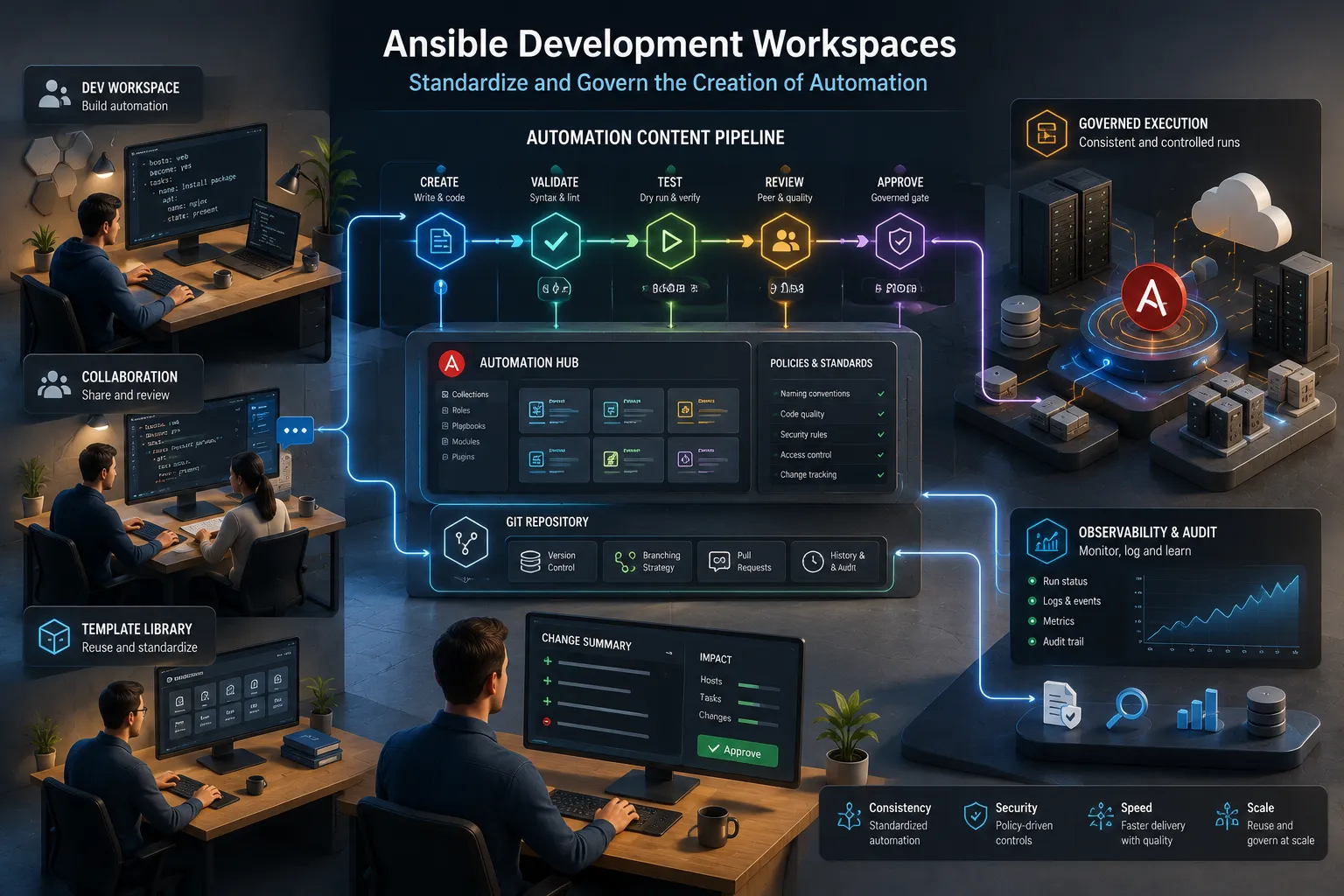
MCP can support developer experience, but its long-term benefit depends on traceability. Teams need to know which tools supplied context, who accepted a change, and which checks ran. Those questions become more important when AI enters an automation pipeline.
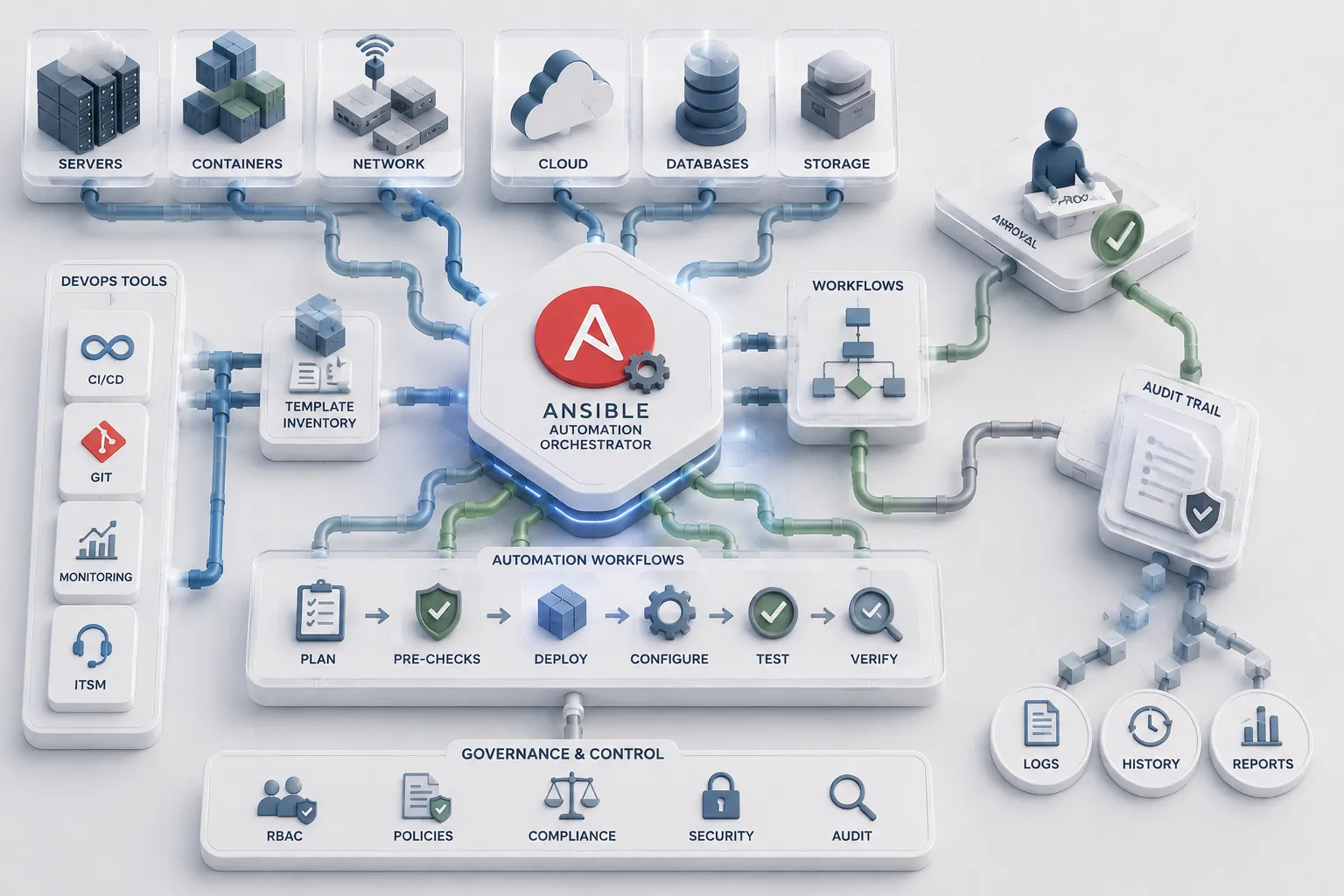
Watch Red Hat’s future technical material for the scope of these integrations and how they relate to development workspaces or orchestration. For now, treat MCP as a trial candidate: useful for learning quickly, not a reason to bypass the current control model.
In 5 Minutes
- Red Hat is linking AI-assisted automation and MCP servers in Ansible development tools.
- An MCP server is an integration boundary to control, not default execution authority.
- Constrain context, separate permissions, and preserve independent validation.
- Start with verifiable artifact-creation tasks before operations.
Sources
- Unify IT workflows at scale with the new automation orchestrator for Ansible Automation Platform
- Red Hat Ansible development workspaces for governed automation content creation
- Accelerate automation with AI and the Ansible development tools MCP servers
- Securing Claude Code plug-ins: Best practices for repository security
- Developer experience improvements you can apply to your own projects
Why developers should care
AI-assisted development is useful in operations only when context and access are constrained and generated output remains subject to engineering verification.
Recommended action
- 1Run an MCP pilot on read-only or draft-generation work and document the data, permissions, and validation allowed in each flow.